How do we get started?
Choose your seats and pay on Stripe. You'll land in the Teams tab, ready to invite your people.
What exactly is Sayble Teams?
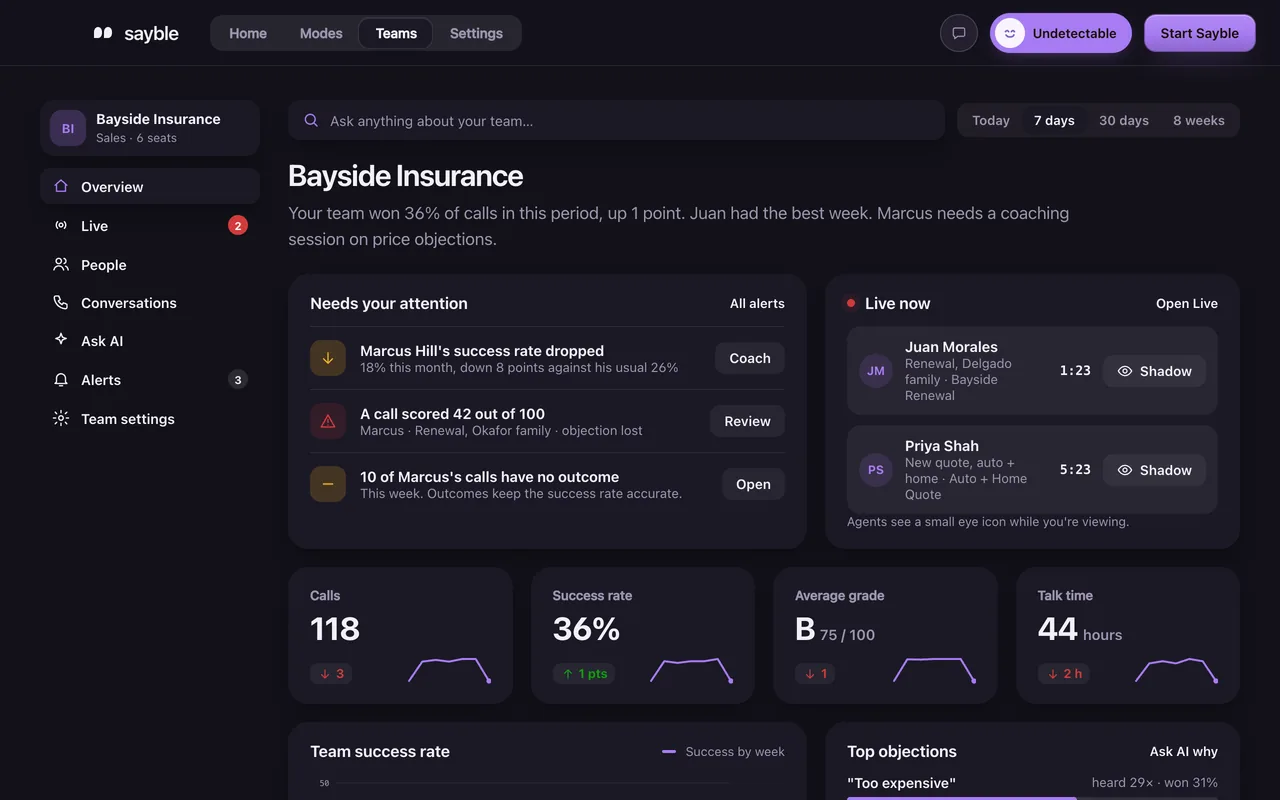
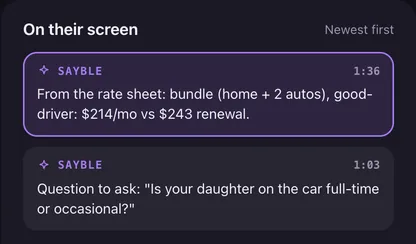
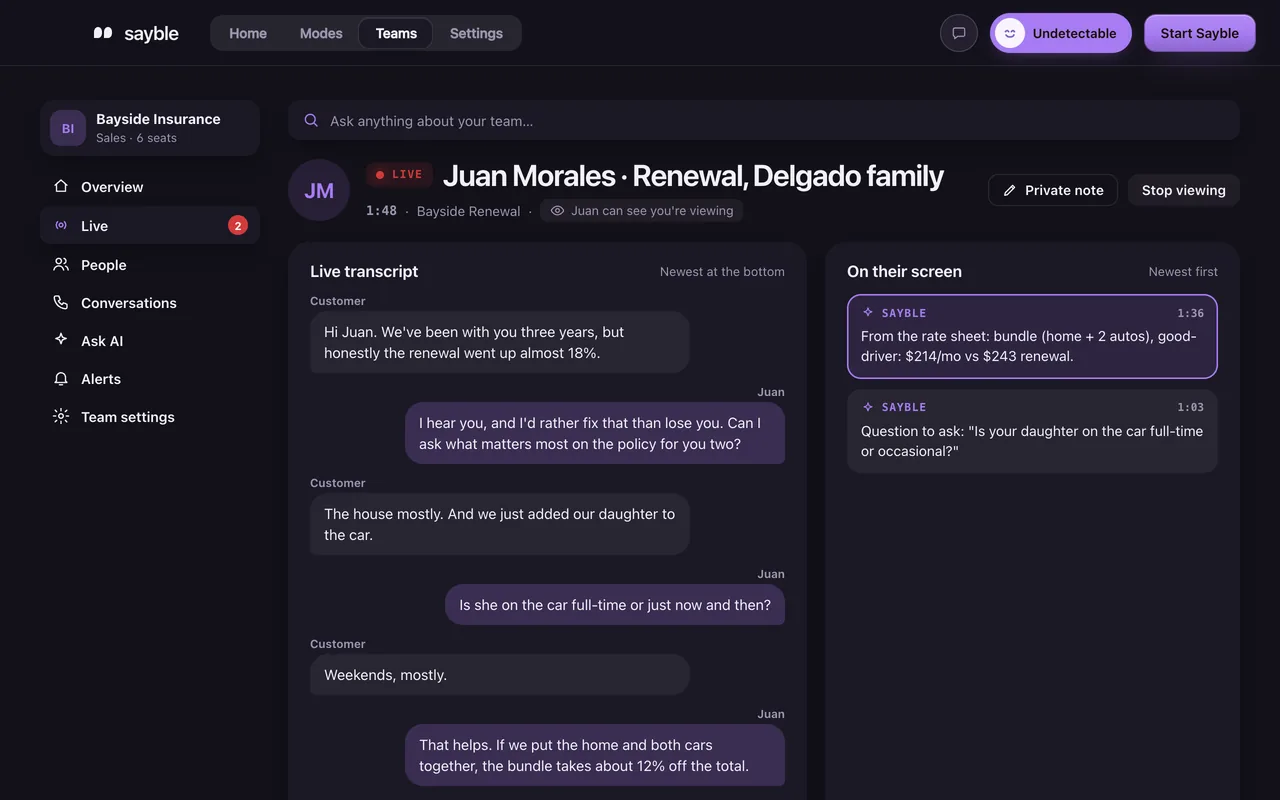
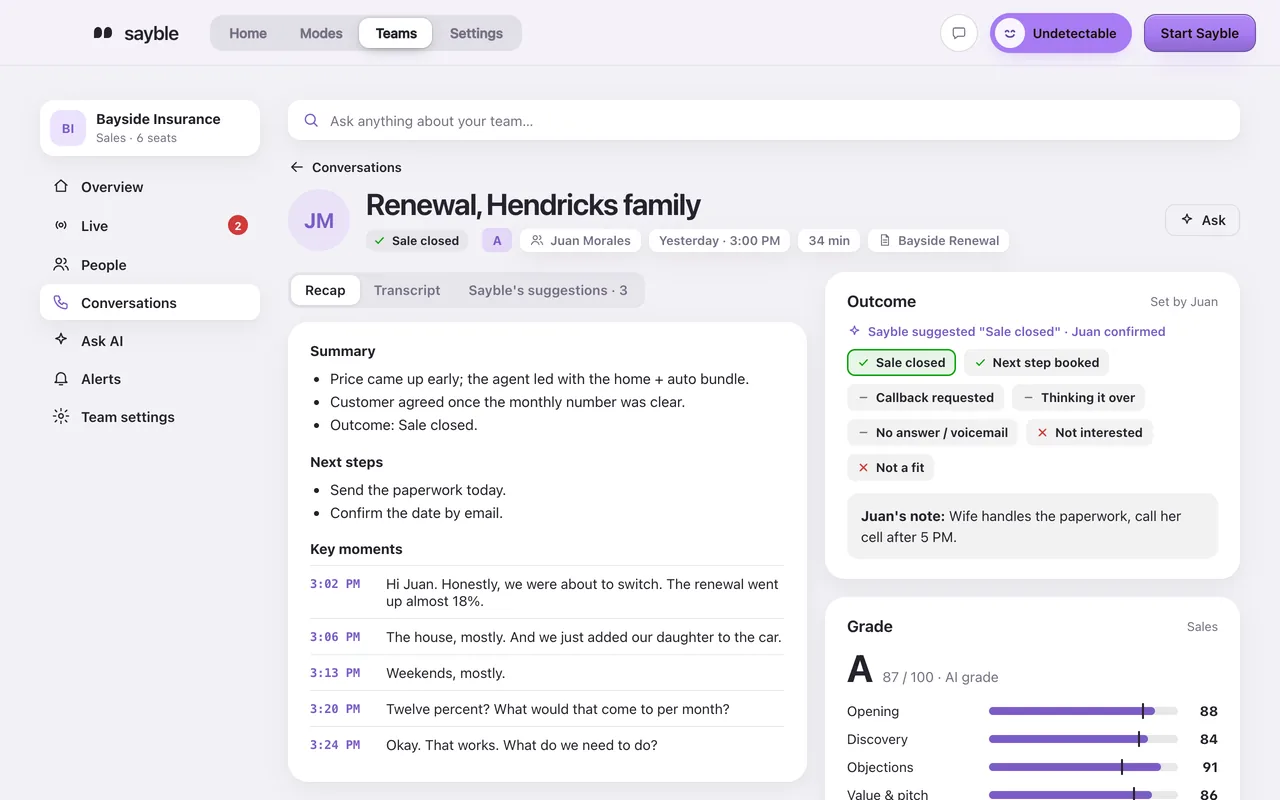
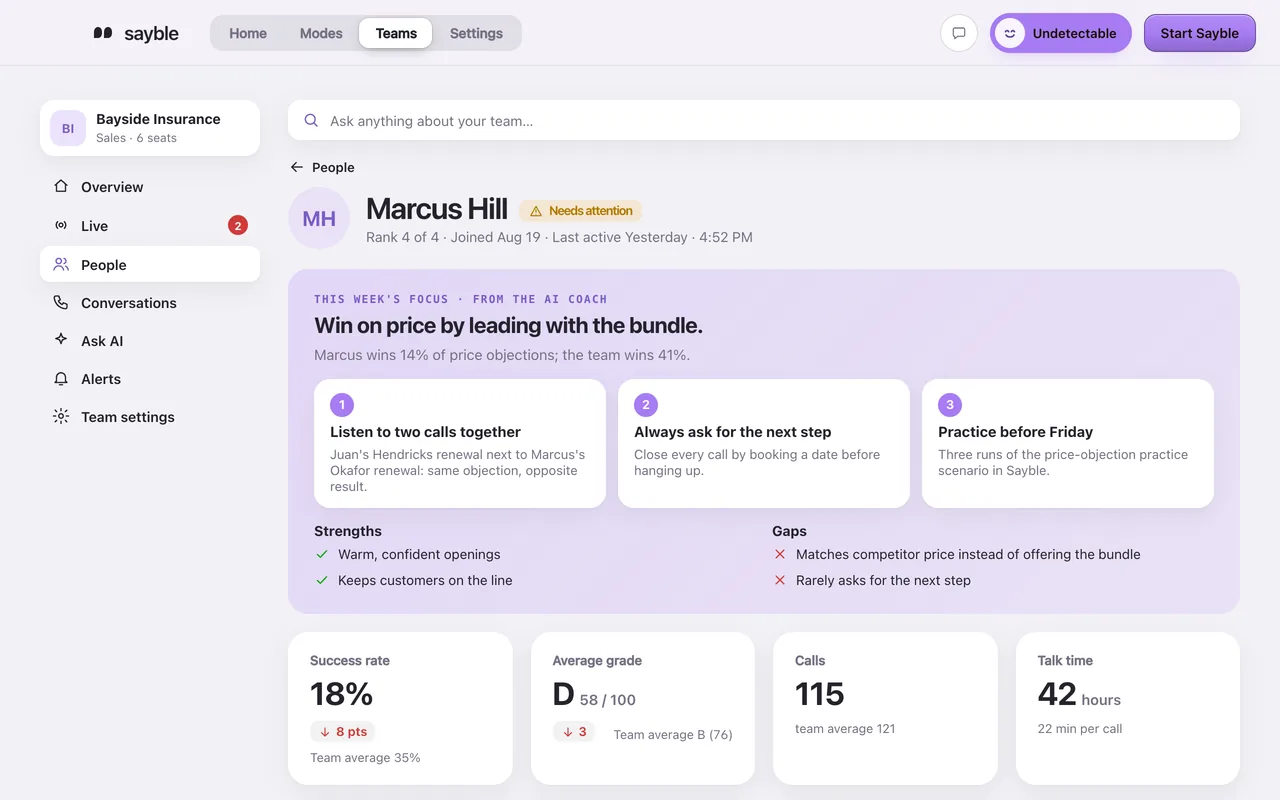
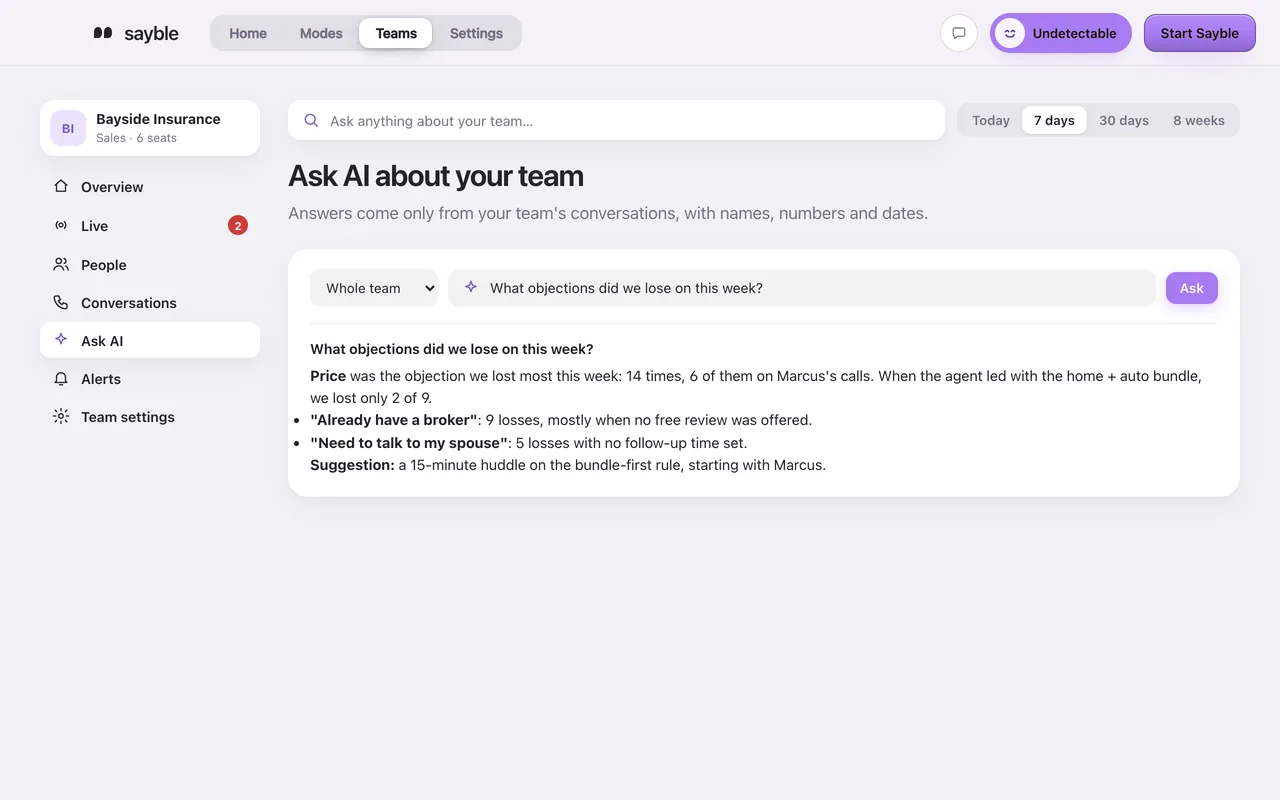
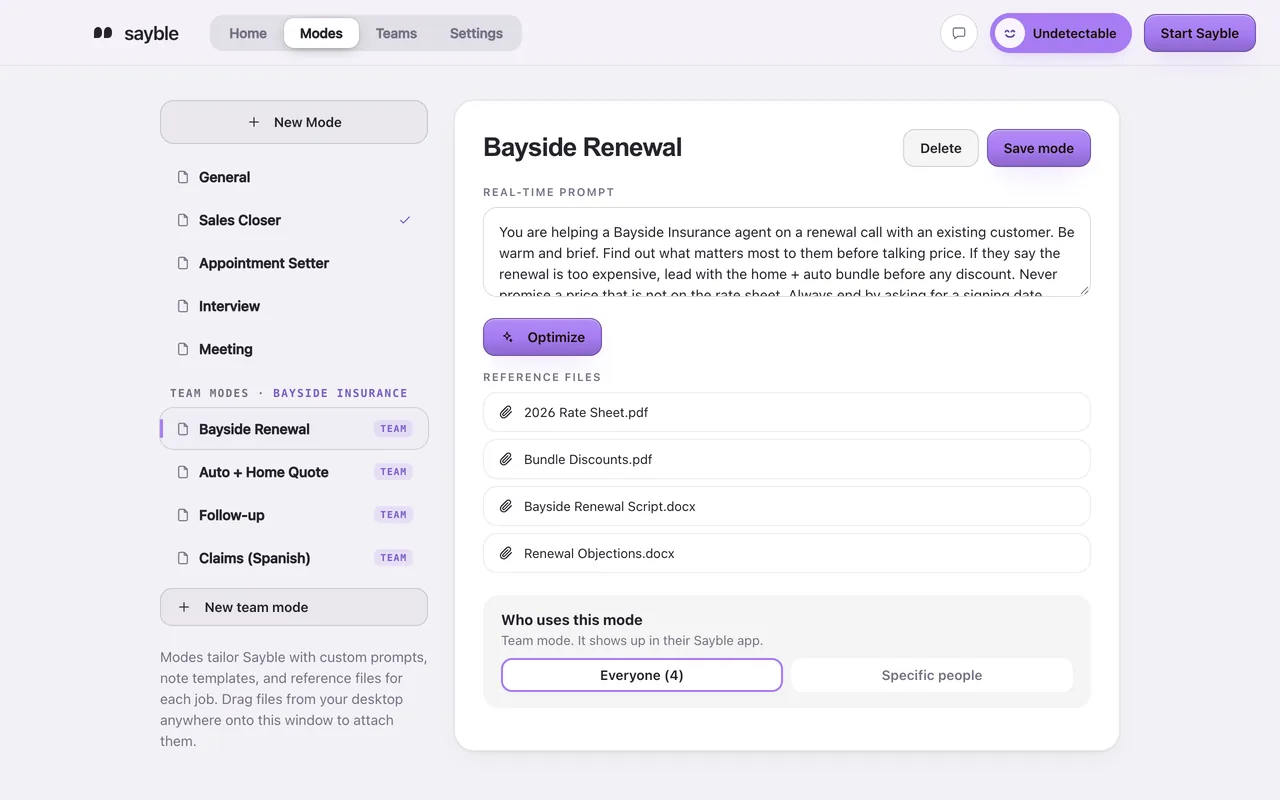
Sayble for a whole team. Each person gets Sayble Pro's live help on their calls. As the owner, you get the Teams tab: every conversation, graded, live calls, coaching for each person and answers about your team.
Who is it for?
Teams of 3 or more whose work happens on calls: sales floors, customer support, appointment setters, recruiters and agencies.
What does it cost?
$29.99 per seat per month, starting at 3 seats, with every Teams feature included. A team of 6 is $179.94 a month.
How does billing work?
The team owner pays one monthly bill on Stripe for all seats. Team members never see billing and never need a card.
How do I add or remove people?
From the Teams tab in the app. Invite someone by email, or remove them and their computer loses access right away. Your bill follows your number of seats.
Does everyone need their own subscription?
No. Their seat covers them. They accept the invite, download Sayble for Mac or Windows and sign in with the invited email.
Are there usage limits?
The same as Sayble Pro: unlimited live calls for normal use, on one computer at a time per seat.
Can I use Sayble on my own calls too?
Yes. Your seat includes everything in Sayble Pro, and your Home stays your own.
What happens to our data?
Conversations belong to the team. We keep transcripts, not audio, and never sell them or use them to train AI. Read how we handle data.